Manage Access Key
1. Overview
Access keys are essential for programmatic access to your S3 storage. They consist of an Access Key ID and a Secret Access Key, which are used to authenticate requests to the S3 service.
2. Create Access Key
To create a new access key, follow these steps:
-
Log in to your Vietnix Portal account.
-
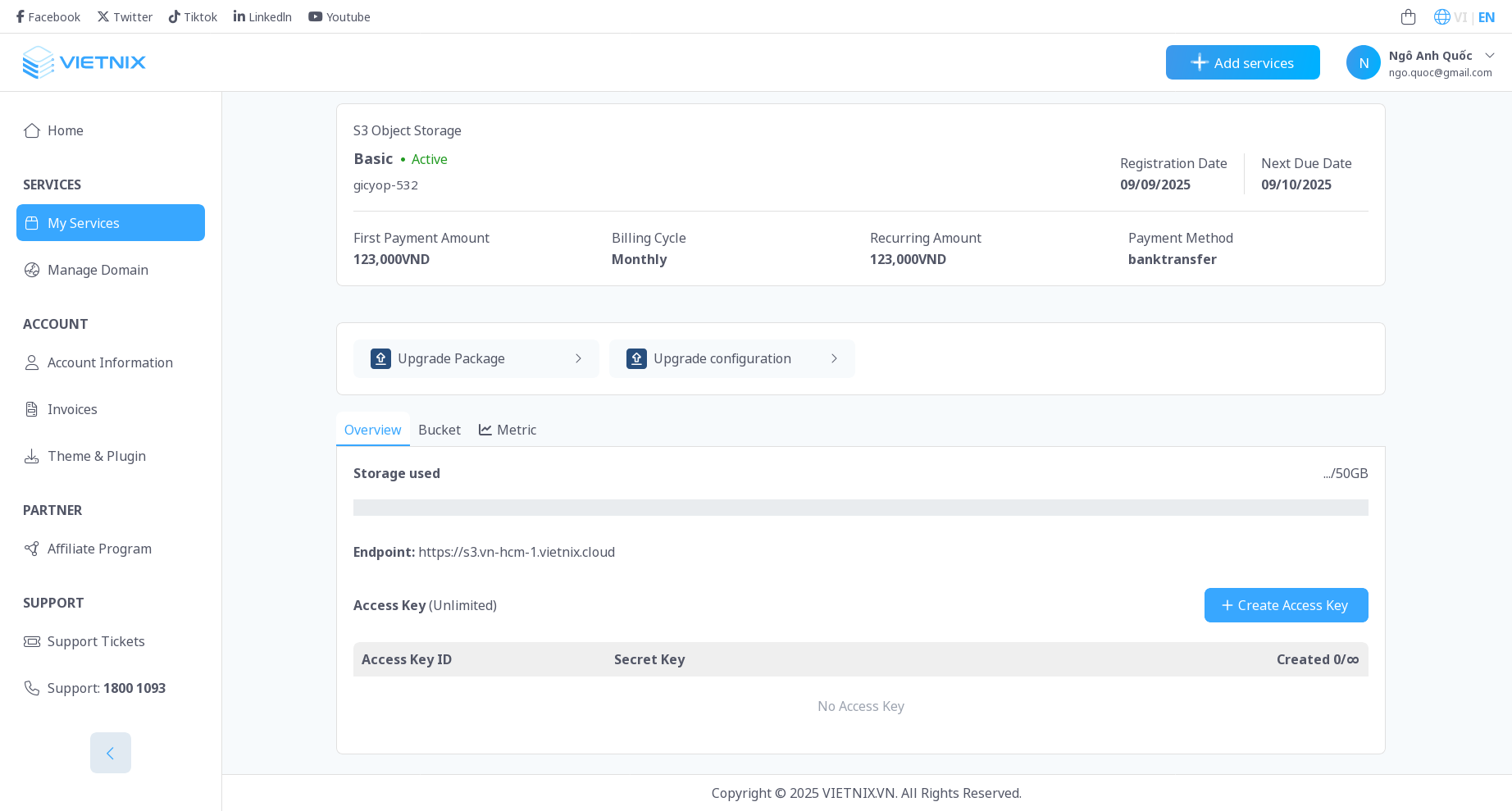
Navigate to the S3 Storage section.
-
Click on the Create Access Key button.
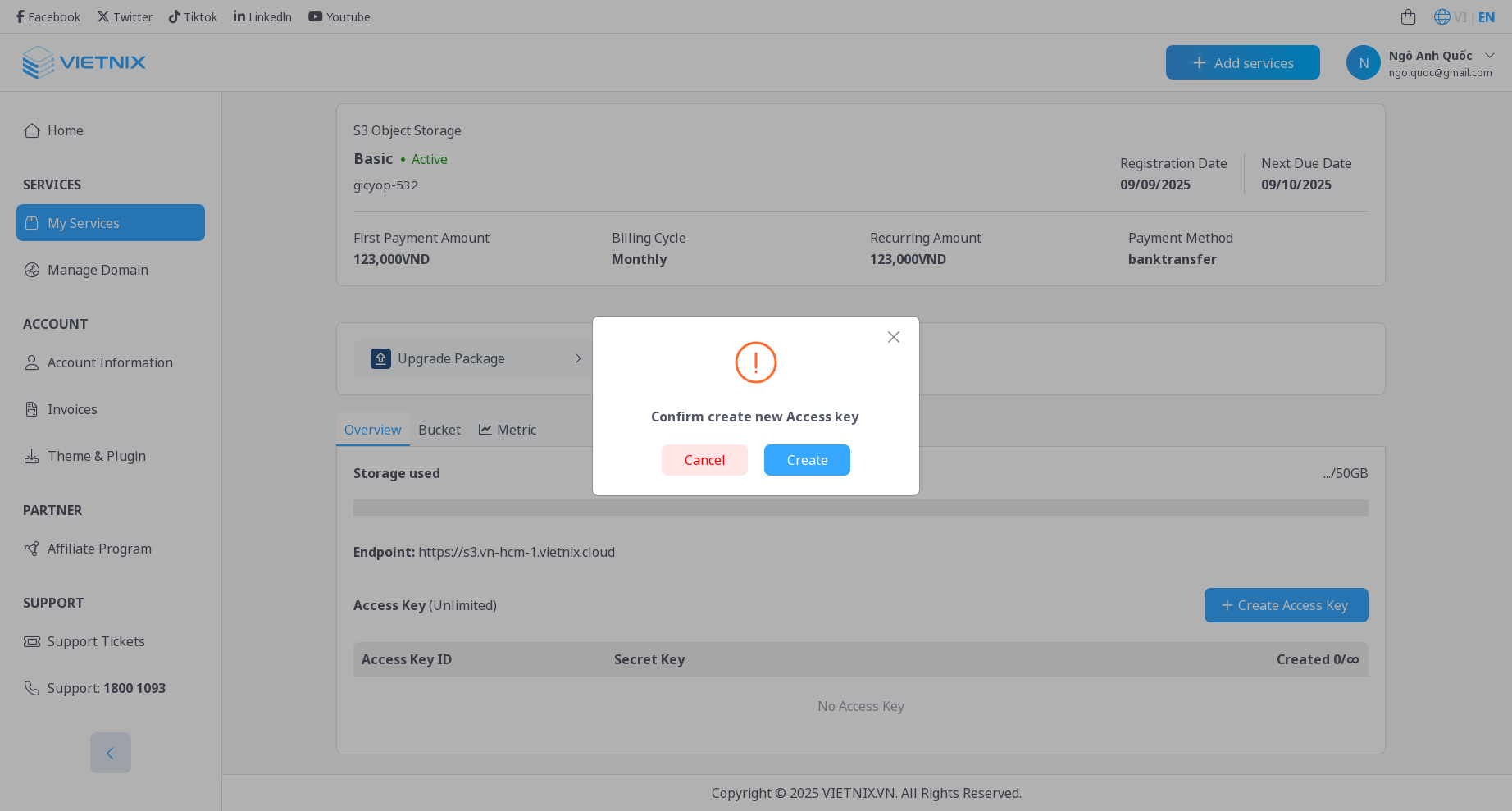
-
A new access key will be generated, and you will see the Access Key ID and Secret Access Key.
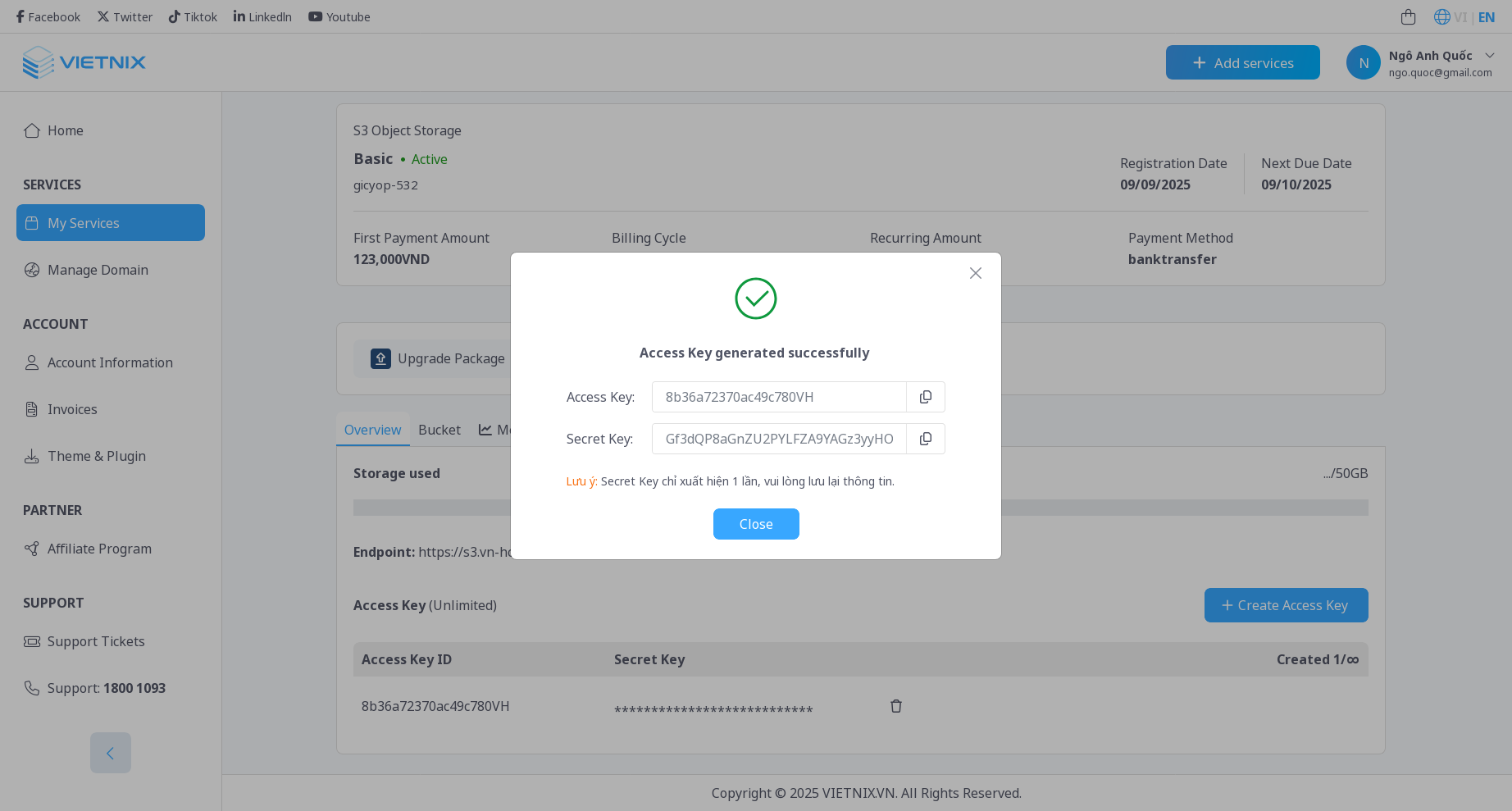 Note
NoteMake sure to copy and store the Secret Access Key securely, as it will not be shown again.
-
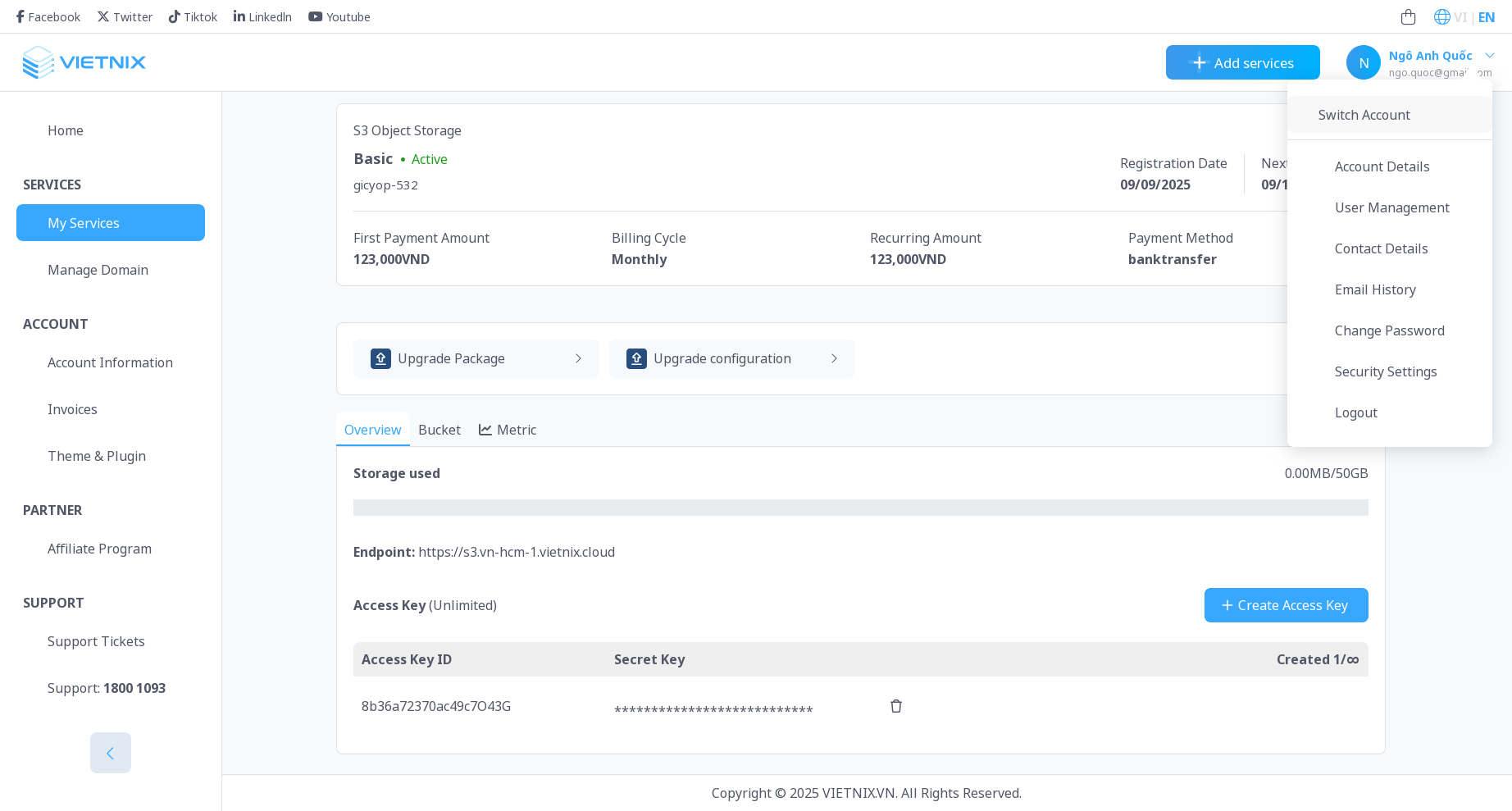
After creating the access key, it will be listed in the Access Keys section.
3. Delete Access Key
To delete an access key, follow these steps:
- Click on the delete button next to the access key you want to delete.
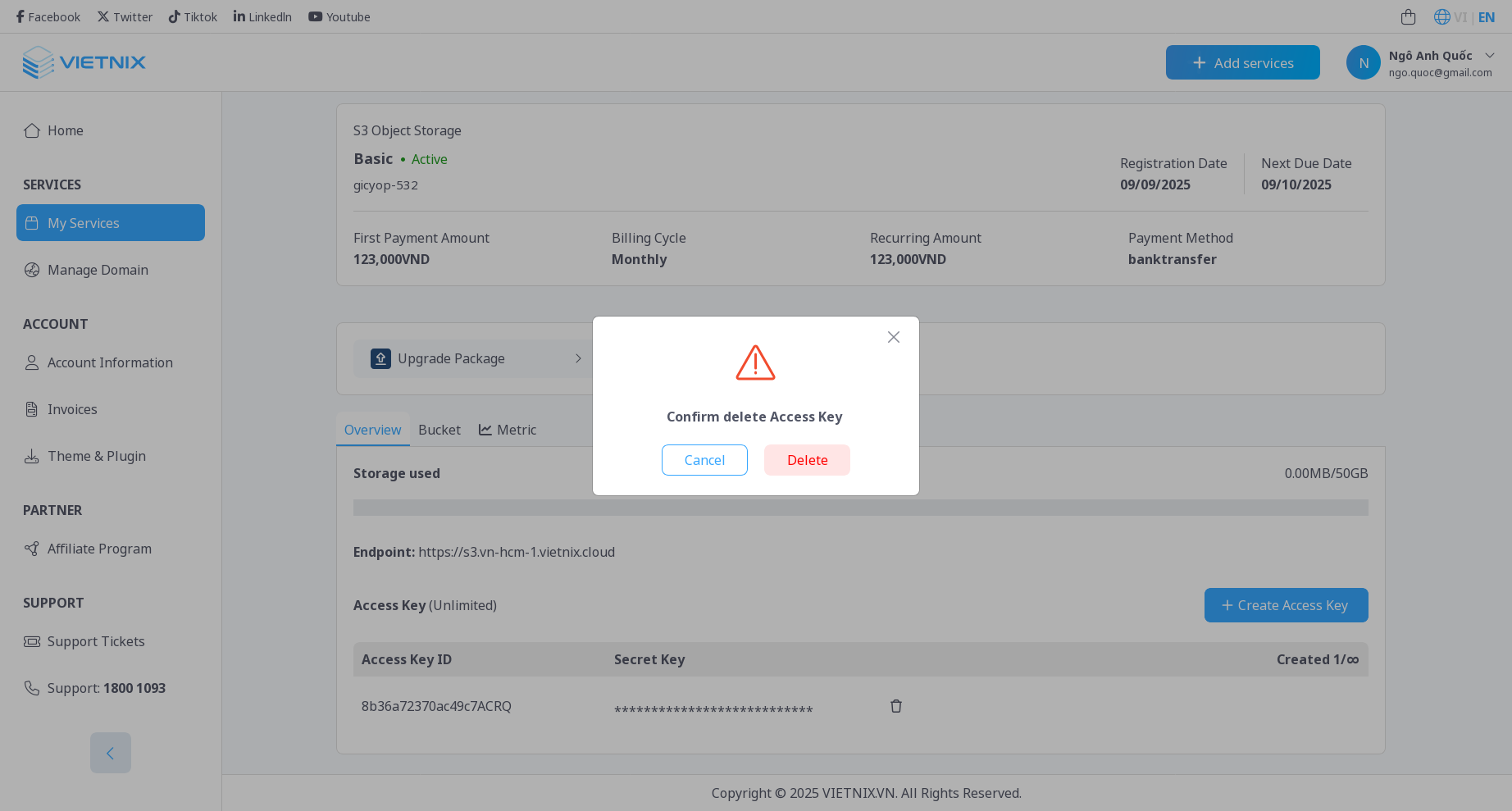
- Confirm the deletion in the popup dialog.
Important
Deleting an access key is irreversible. Make sure to back up any important data before proceeding.
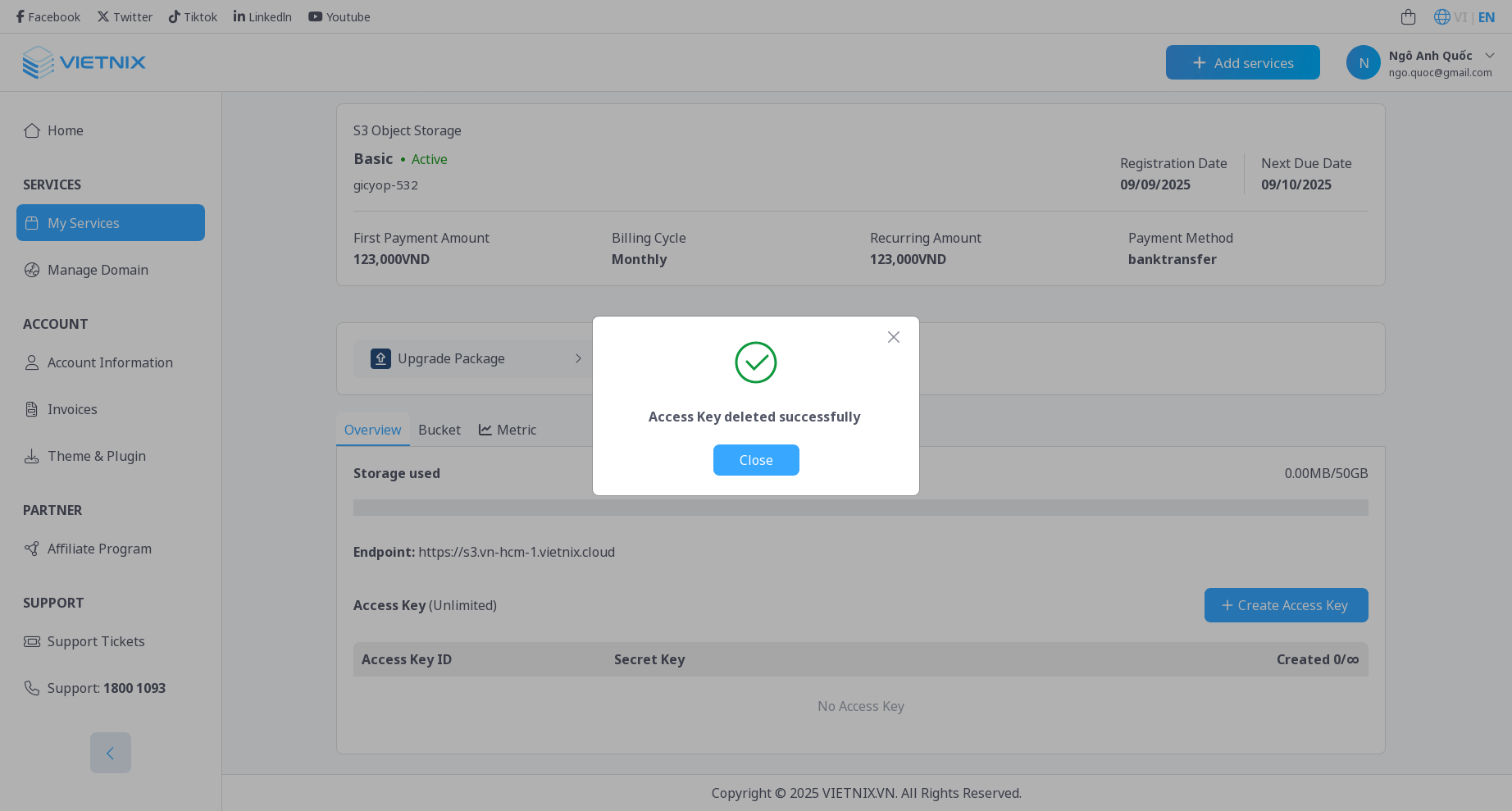
- The access key will be removed from the list.
4. Best Practices
- Keep Your Keys Secure: Never share your access keys publicly or hard-code them in your applications.
- Rotate Keys Regularly: Periodically create new access keys and delete old ones to enhance security.
- Use IAM Policies: Assign appropriate permissions to your access keys using IAM policies to follow the principle of least privilege.
5. What's Next?
- Manage Bucket: Learn how to manage S3 buckets in Vietnix Cloud.