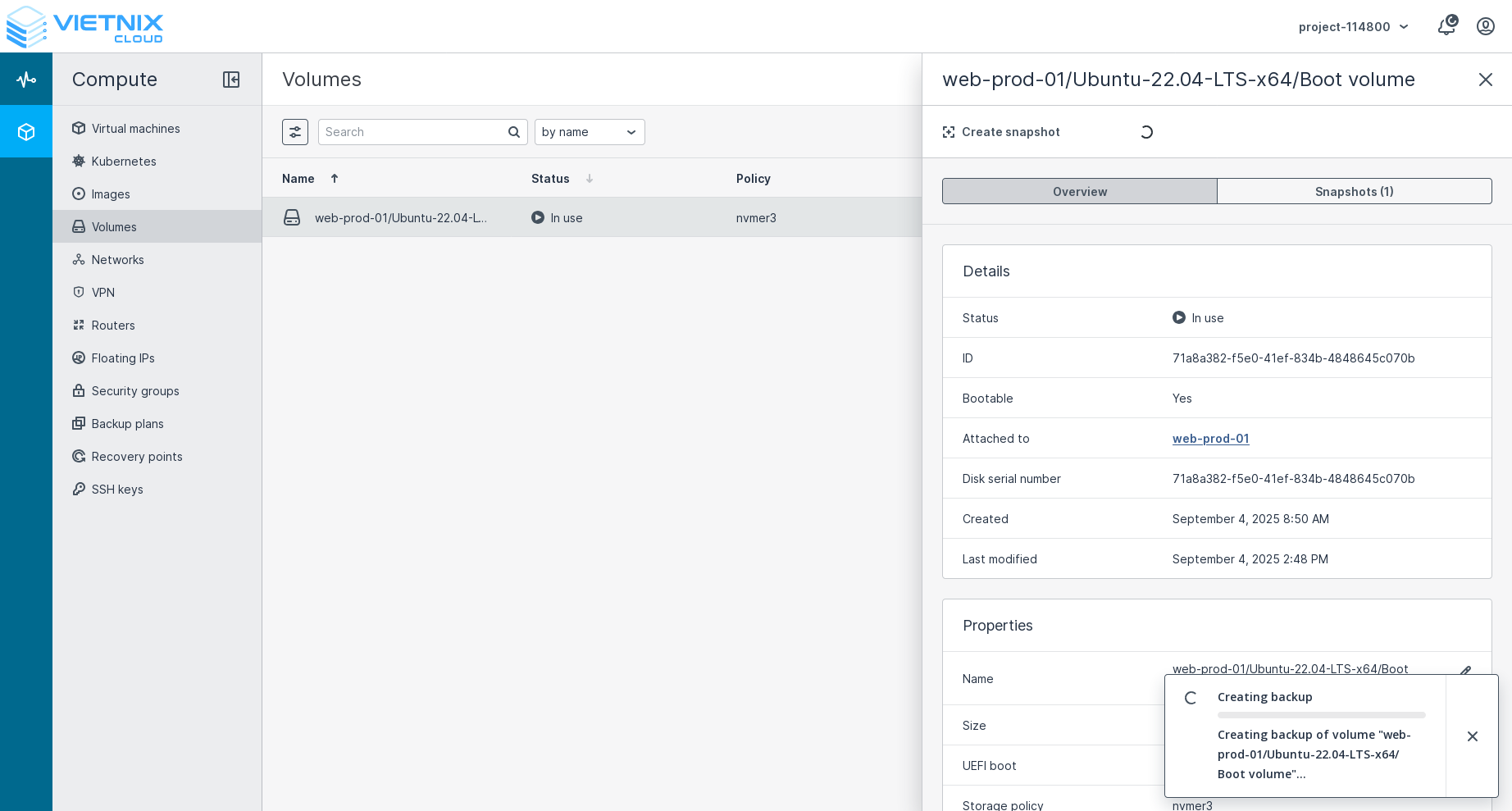
Backup
This guide will help you create backups of your volumes in Vietnix Enterprise Cloud.
Prerequisites
- An active Vietnix Enterprise Cloud account
- A volume that you want to backup
Warning
If you want a successful backup, you need to purchase backup storage.
What is Backup and Recovery?
Backup and Recovery is the process of creating copies of your data to protect against data loss. In Vietnix Enterprise Cloud, you can create backups of your volumes and recover them when needed.
Steps to Create Backup
Step 1: Access Volume Management
- Log in to your Vietnix Enterprise Cloud dashboard
- Navigate to Compute > Volumes
- Find the volume you want to backup
Step 2: Create Backup
- Click on the volume to open its details
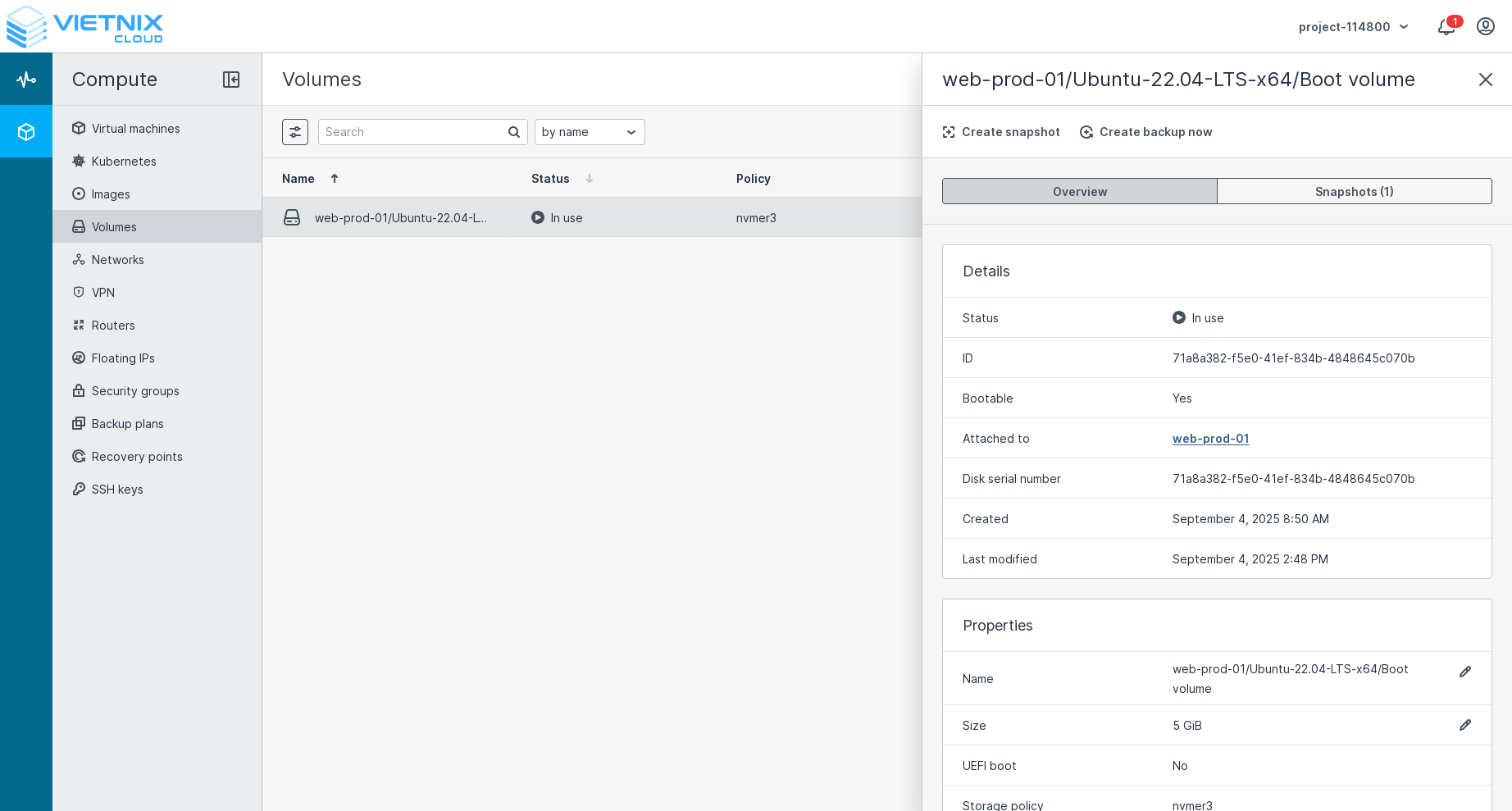
- Click on the Create Backup Now button