API credentials
The API and the OpenStack CLI use the same Keystone application credential. It is scoped to one project, does not need a TOTP code, and is the right credential for scripts, CI, and AI agents.
Create a credential
-
In the Vietnix Enterprise Cloud console, open Settings → API credentials.
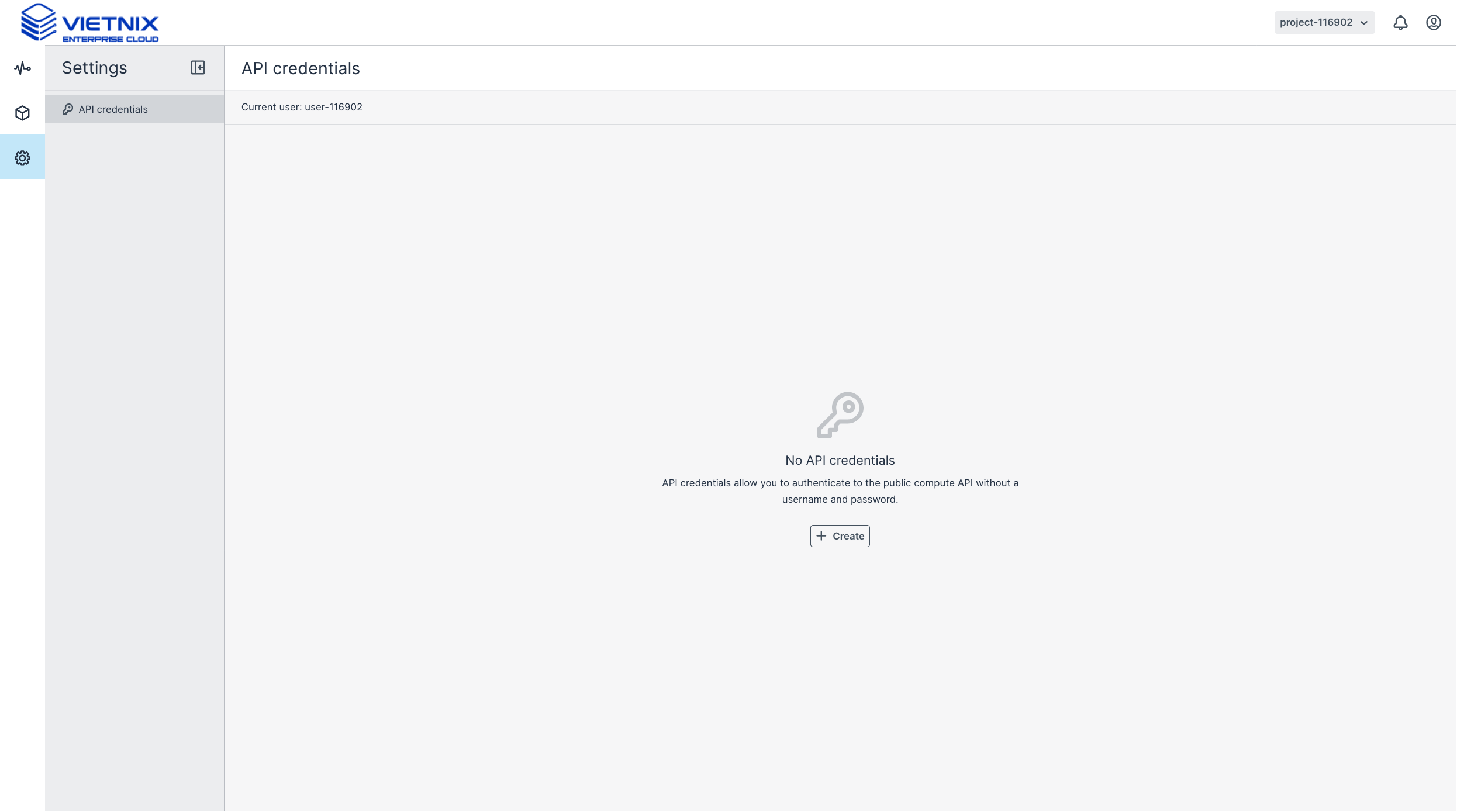
-
Click Create.
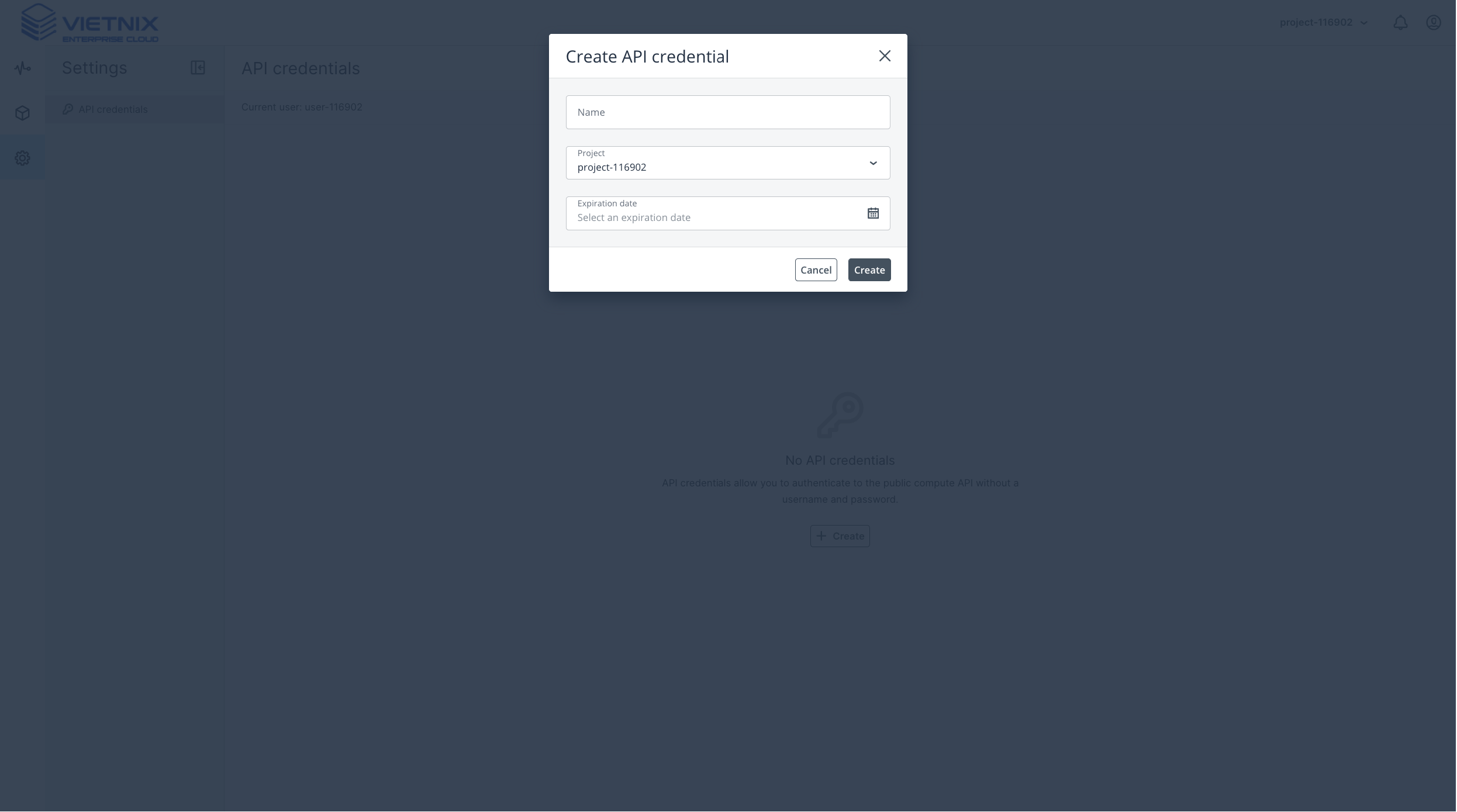
-
Enter a Name, choose the Project, and set an Expiration date. The maximum validity is 1 year.
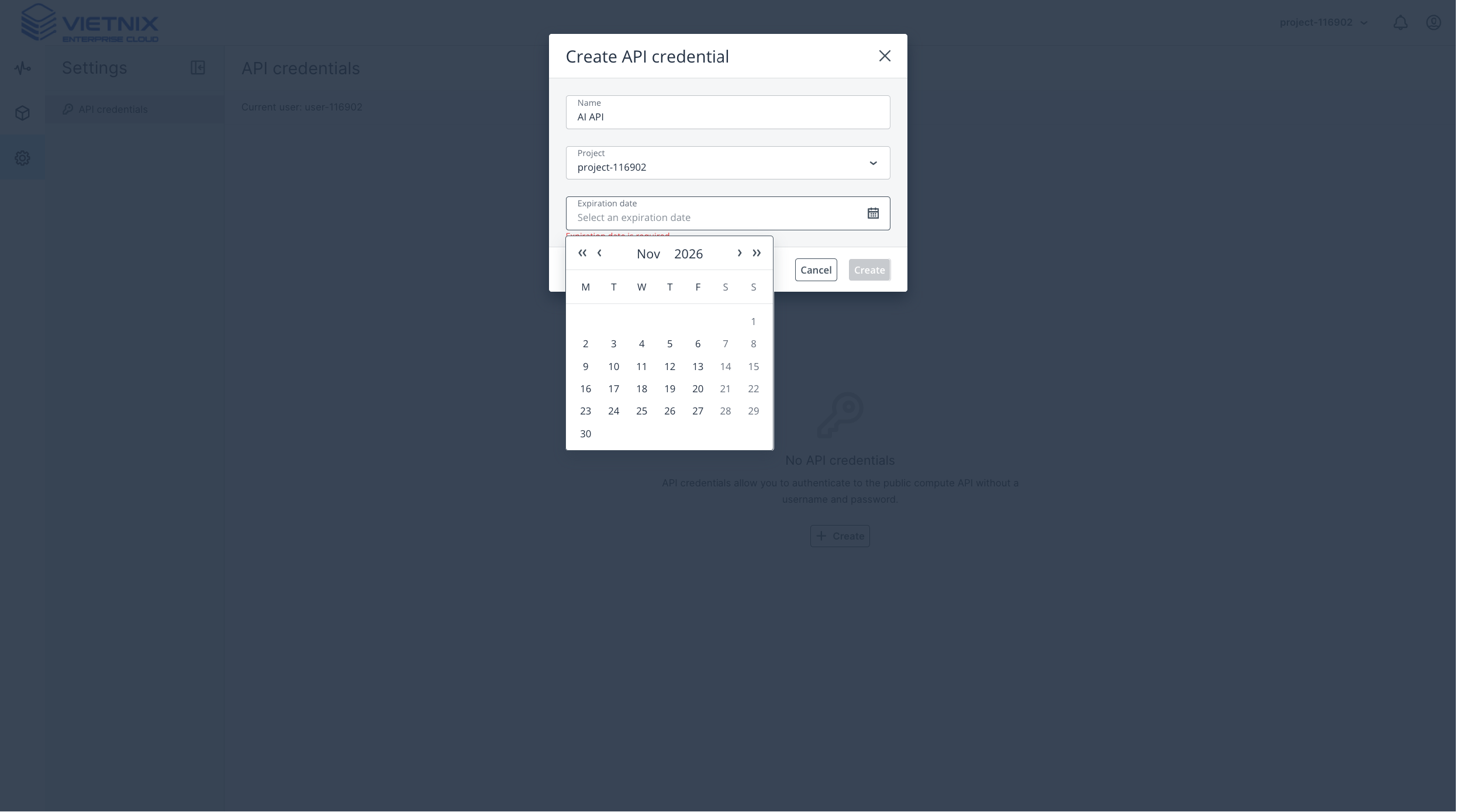
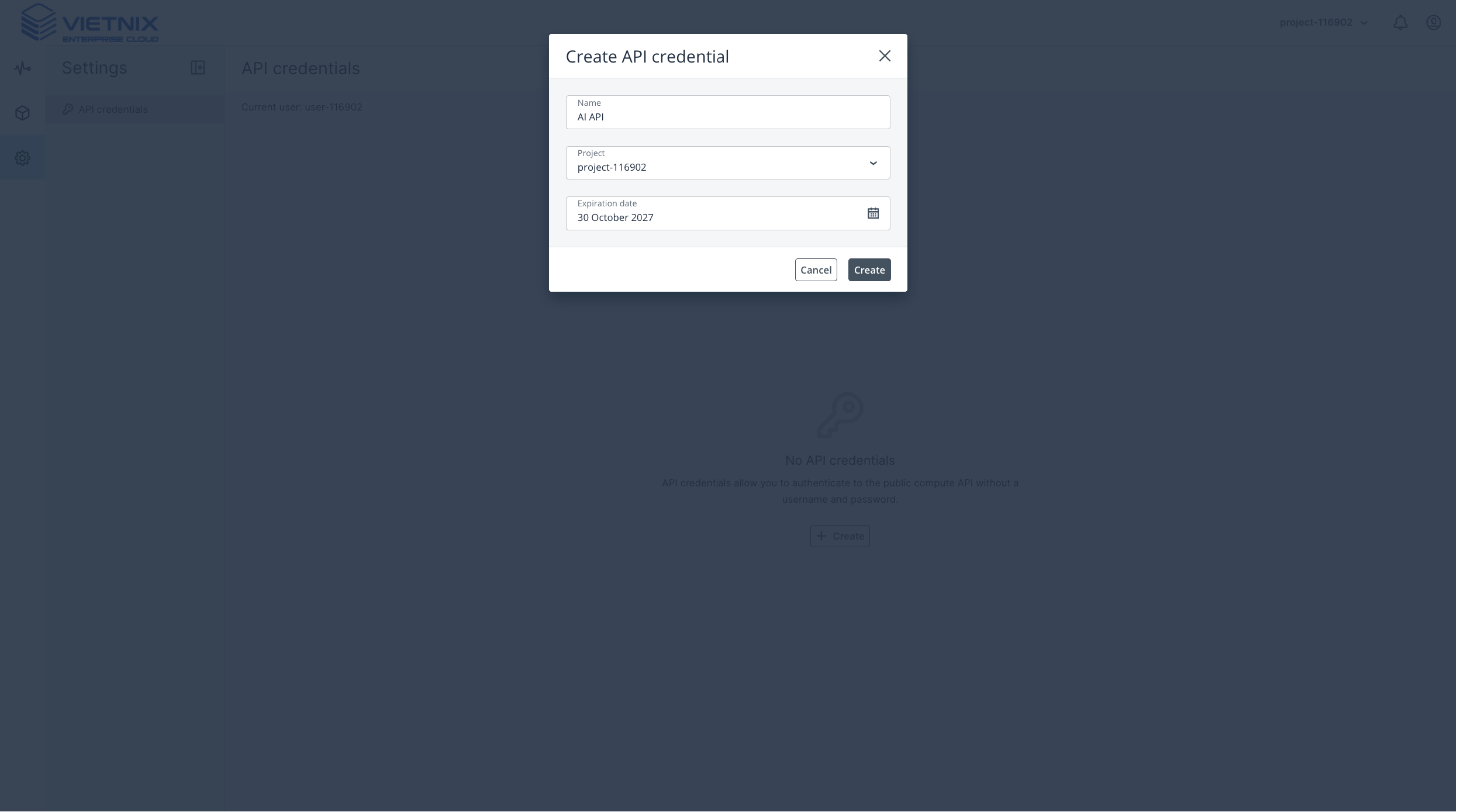
-
Click Create.
-
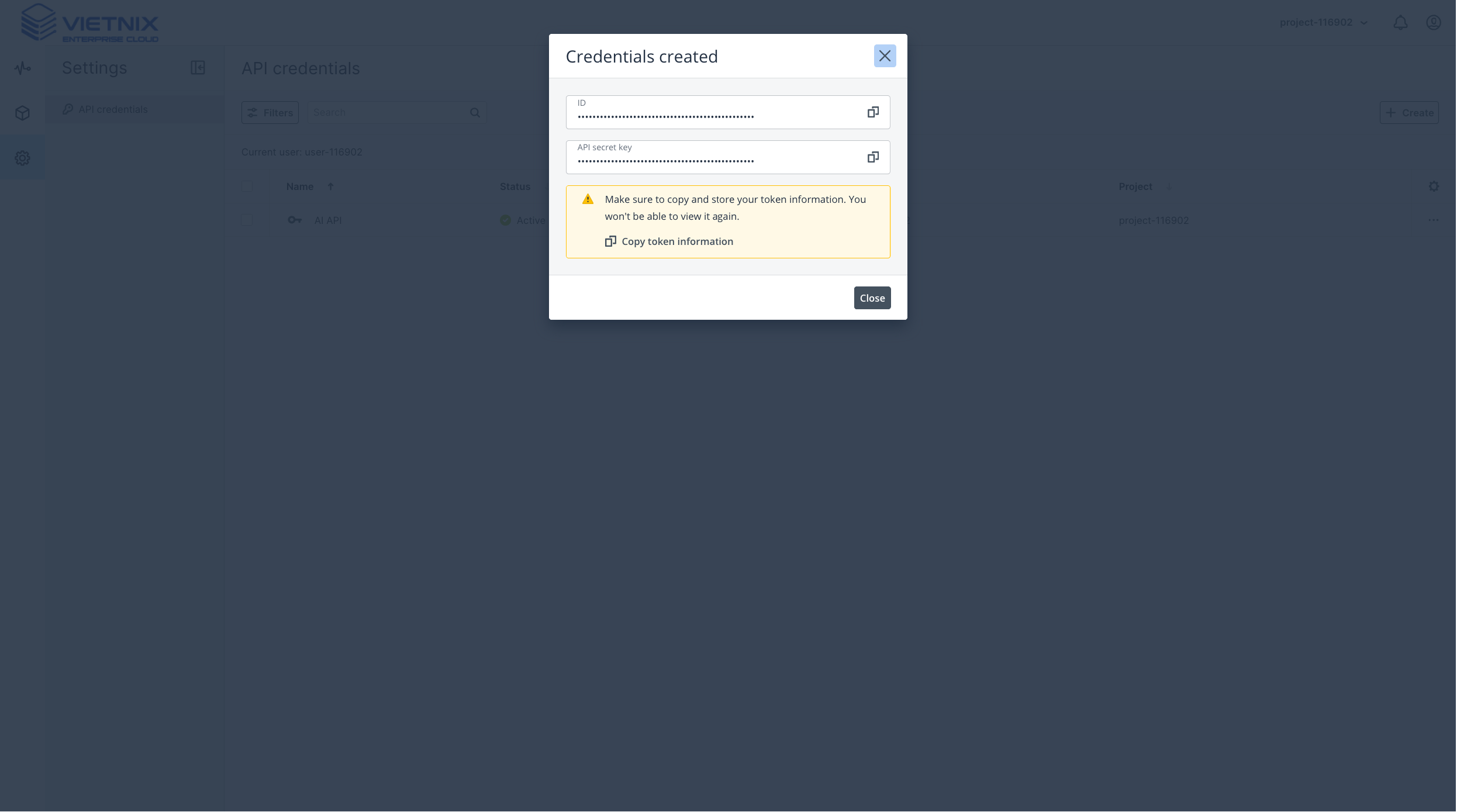
Copy the ID and API secret key from the confirmation dialog. You can also click Copy token information to copy both. The secret is shown once.
-
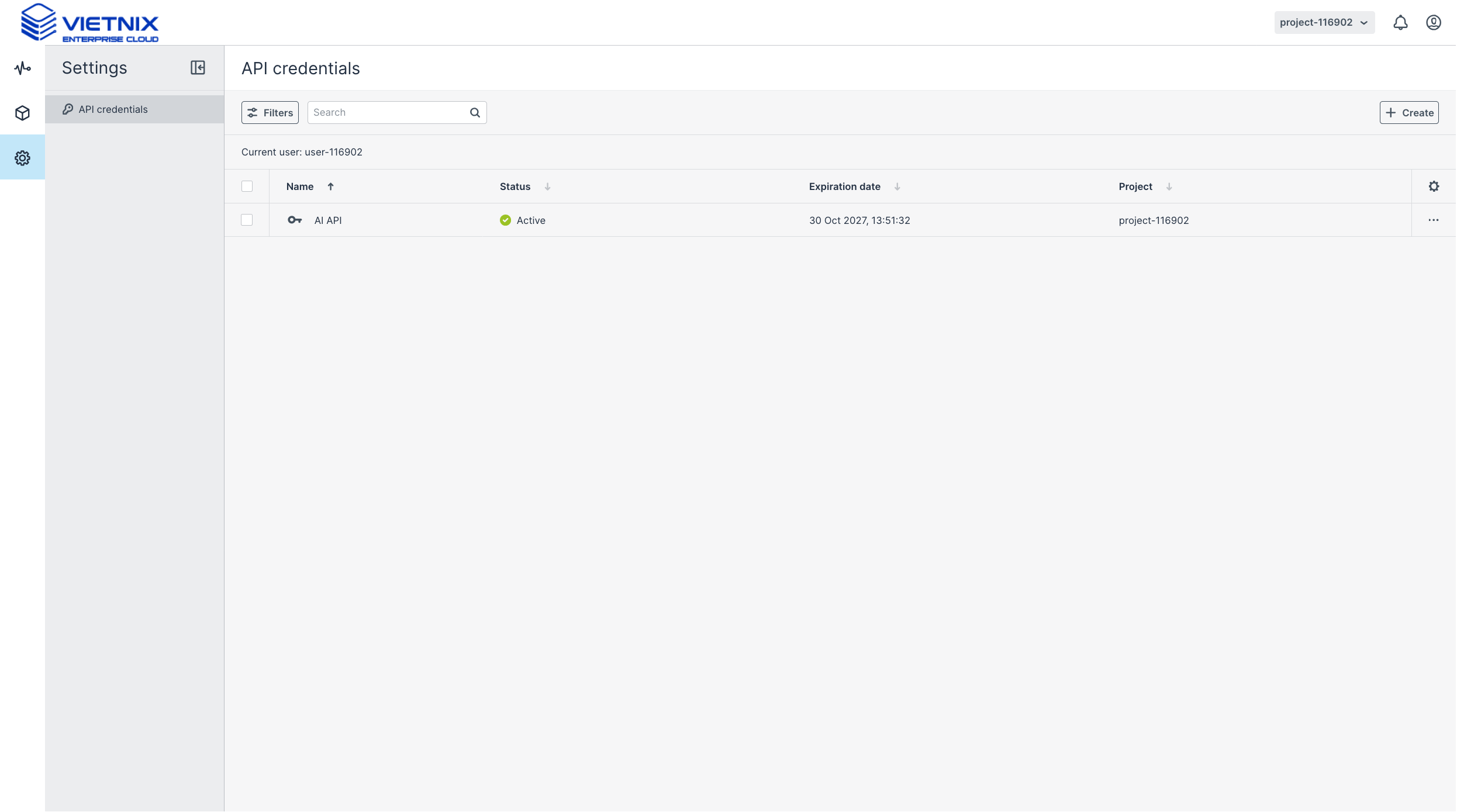
Confirm the credential is Active in the list. The expiration date is shown next to it.
Credential fields
- Name: a label for the credential, for example
ai-agentorci-runner. - ID: the public identifier. Use it as
OS_APPLICATION_CREDENTIAL_ID. - API secret key: shown once at creation. Use it as
OS_APPLICATION_CREDENTIAL_SECRET. - Expiration: maximum 1 year. Set a shorter period for temporary access.
- Project: the credential acts only inside this project.
The API secret key is shown once. Copy it before closing the dialog. Do not commit it, paste it into a ticket, or put it in a CI variable that is visible to forks. Rotate the credential when a laptop or runner is lost.
Use it with the API
Exchange the ID and secret for a Keystone token:
curl -ksD - -o /dev/null -X POST \
  -H 'Content-Type: application/json' \
  -d '{
    "auth": {
      "identity": {
        "methods": ["application_credential"],
        "application_credential": {
          "id": "<credential-id>",
          "secret": "<credential-secret>"
        }
      }
    }
  }' \
  https://api.vietnix.cloud/v3/auth/tokens
The token is in the X-Subject-Token response header. See Authentication for the full flow.
Use it with the CLI
export OS_AUTH_TYPE=v3applicationcredential
export OS_AUTH_URL=https://api.vietnix.cloud/v3
export OS_IDENTITY_API_VERSION=3
export OS_APPLICATION_CREDENTIAL_ID="<credential-id>"
export OS_APPLICATION_CREDENTIAL_SECRET="<credential-secret>"

openstack token issue
The credential is already scoped, so OS_PROJECT_NAME is not required.
Use it with AI agents
Use the same ID and secret in the MCP server configuration. See AI Agents.