Detach Volume
Detach Volume
If you no longer need a volume attached to your instance, you can detach it safely. Follow these steps to detach the volume.
Prerequisites
- A volume attached to your instance
- SSH access to your instance
- Root or sudo privileges
📔 Note: Ensure you unmount the volume from your instance if it is currently mounted.
Steps to Detach Volume
-
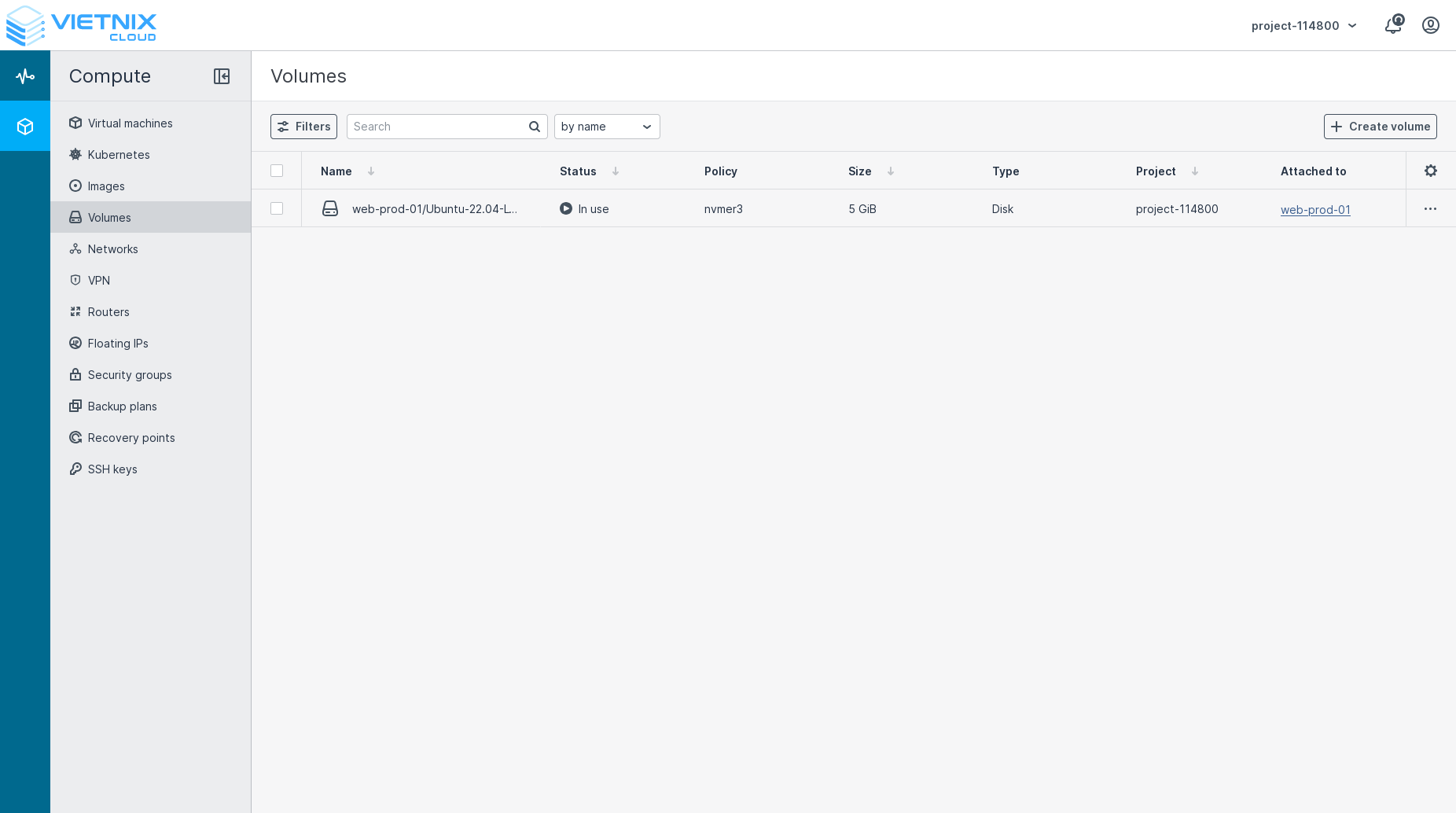
Navigate to the Compute section and select Volumes.
-
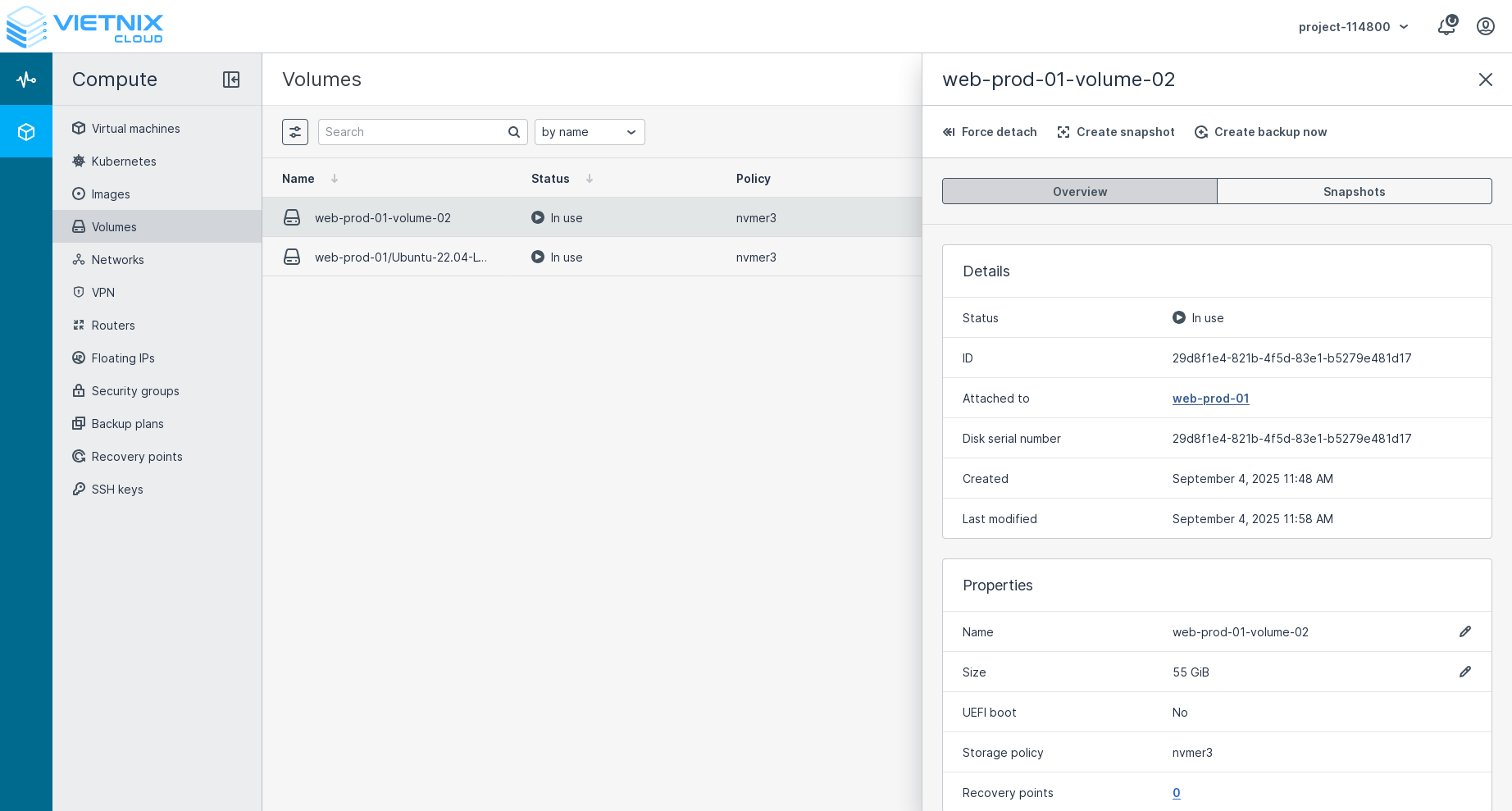
Find the volume you want to detach and click on it.
-
Click the Force Detach button.
Warning: Force detaching a volume can lead to data loss if the volume is in use. Ensure that the volume is not being accessed before detaching. Action will be irreversible with no confirmation dialog. Please proceed with caution.
-
The volume will now be detached from the instance. You can verify this by checking the instance's details or by using SSH to log in to the instance and running the
lsblkcommand to see that the volume is no longer listed.
Next Steps
- You can attach the volume to another virtual machine. Learn how to Attach Volume.
- You can extend the volume size. Learn how to Extend Volume.